
Musical Tools
A new set of musical tools is on its way
We're rebuilding every tool from the ground up, so they're properly good to use, whoever you are. They open at the first pop-up on Saturday 5 December: free, on your own phone or computer, with nothing uploaded.
How they look
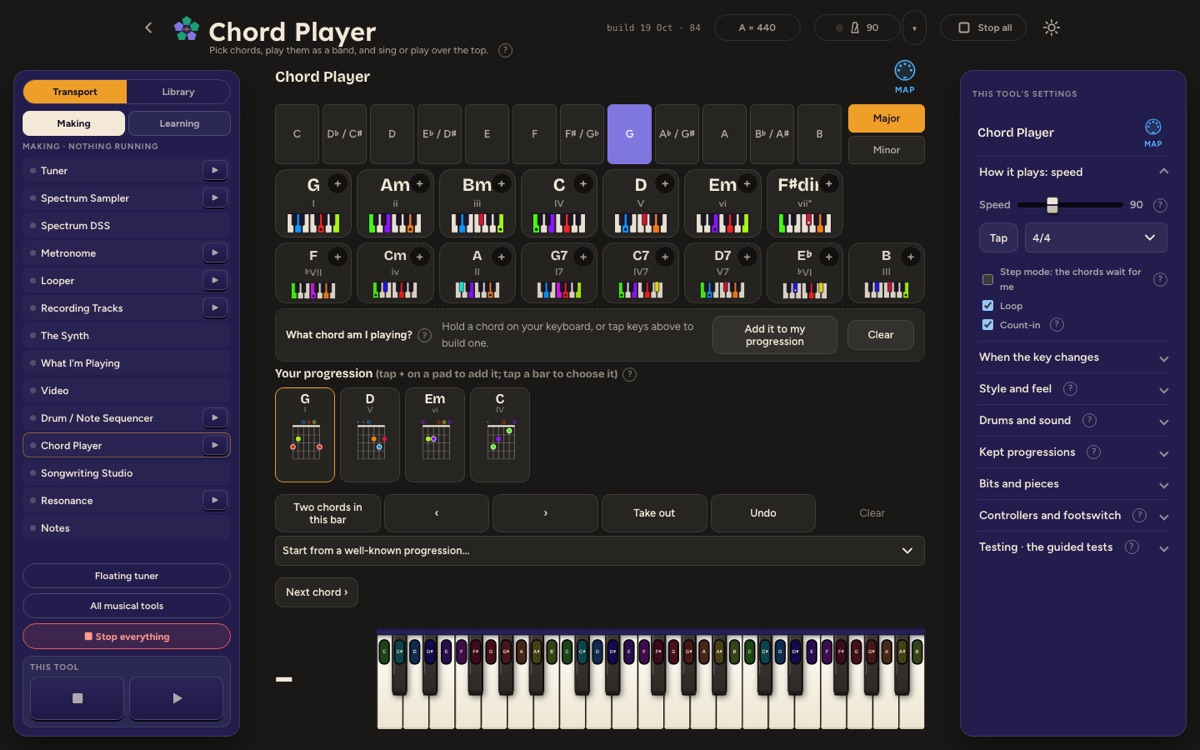
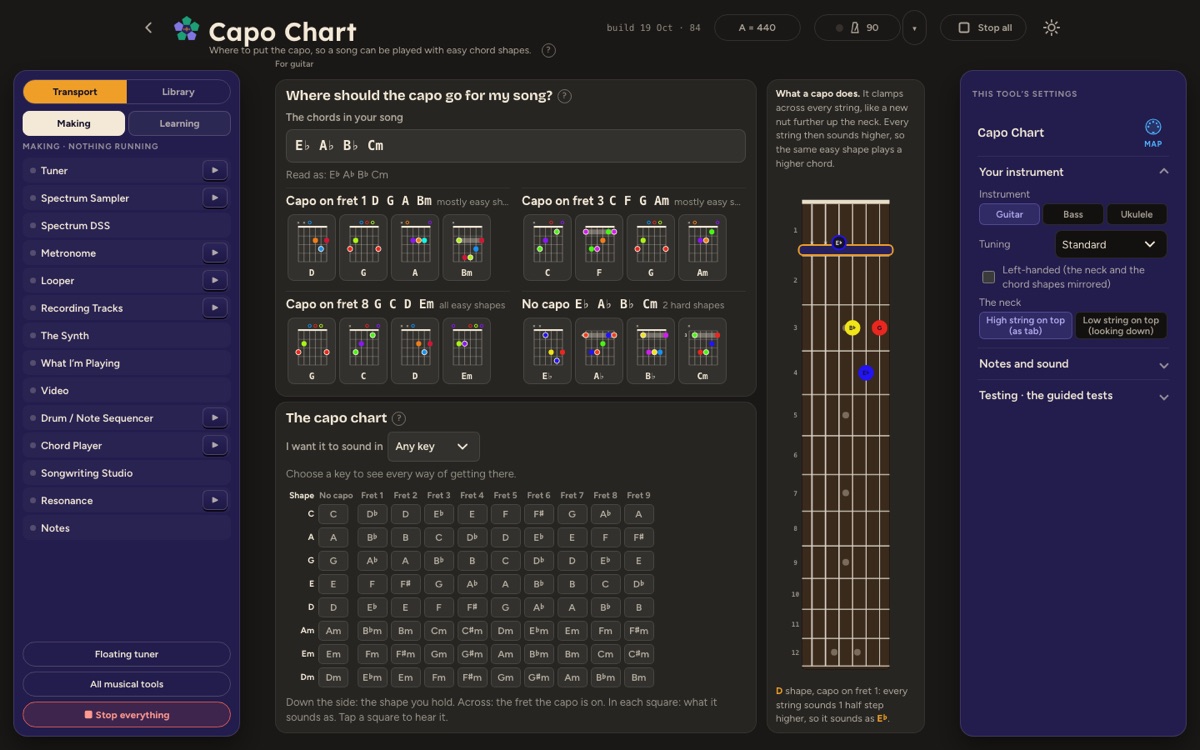
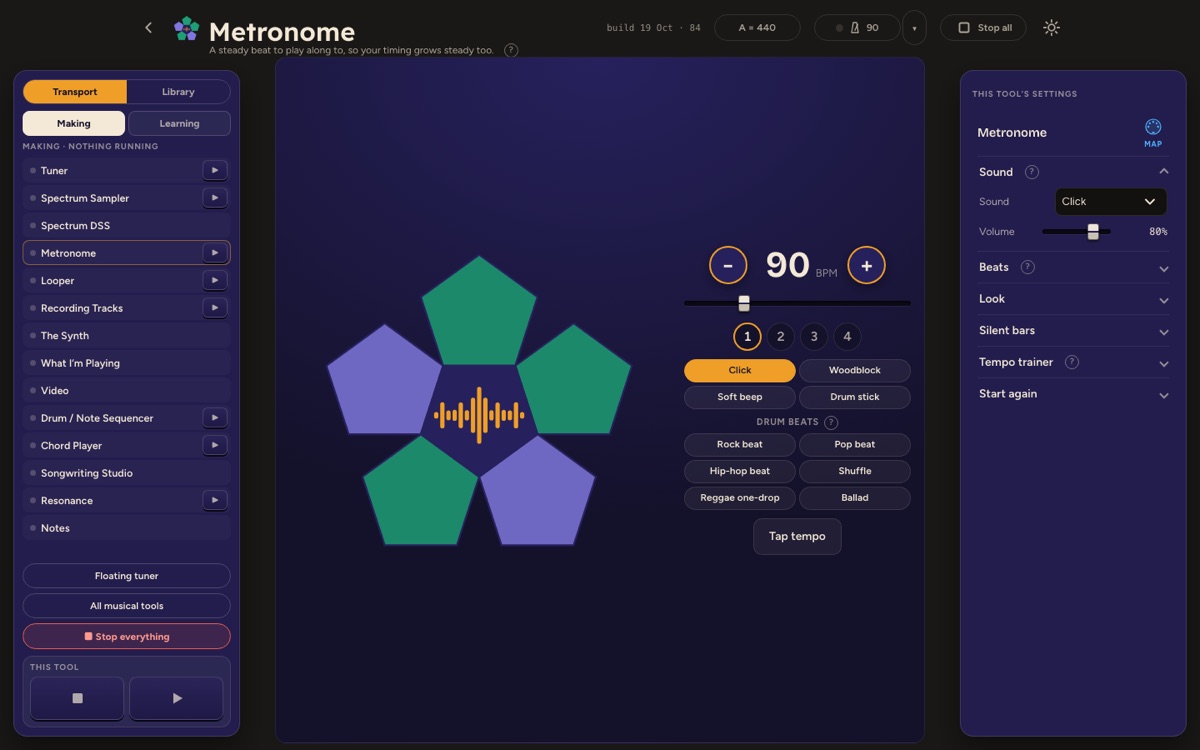
Some of what's coming
- TunerPlay or sing a note and see how close it is to in tune.
- Spectrum DSSA whole studio in one instrument: keys, sounds, pads and recording.
- LooperRecord a short part, let it repeat, and layer more on top.
- Chord and Scale FindersAny chord or scale, on the piano and the guitar.
- Ear TrainingShort listening games for notes, chords and rhythm.
- Spectrum SongbookSongs to learn, with their chords, in any key you like.
Cheat sheets, available now
Plain-English sheets on the basics of music. One page explains the idea, one page gives you exercises. Print them, or keep them on your phone.